Gaming Laptop Guide: GPU, Display & Cooling
Updated 23/10/2026
Learn how to balance graphics power, screen refresh rates, and thermal management when selecting a gaming laptop at E CUBE.
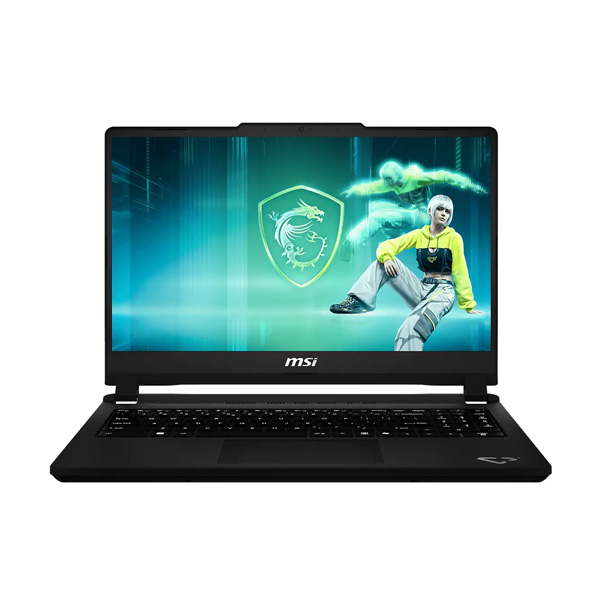
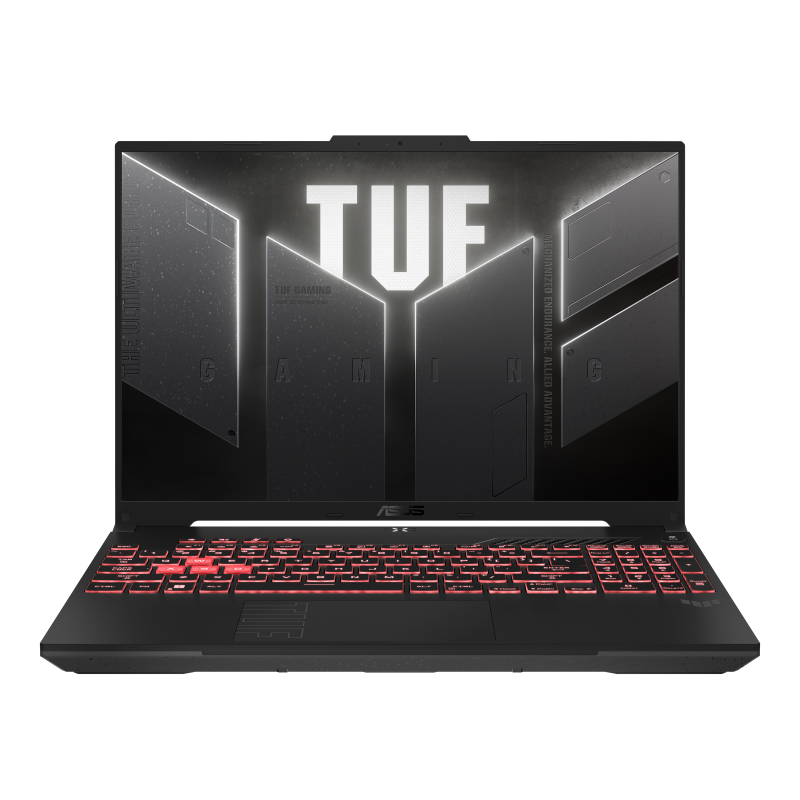
When choosing a gaming laptop, the graphics card is the primary determinant of your frame rate. Modern titles rely heavily on dedicated GPUs, so you should prioritize models with NVIDIA GeForce or RTX series chips. The ASUS Gaming V16 at RM 4799 offers an entry point into current-generation hardware with its NVIDIA RTX 5050, suitable for high settings in many popular games. If you are looking for more headroom for ray tracing and higher resolutions, the MSI Cyborg A15 Max at RM 5799 steps up to the NVIDIA GeForce RTX 5060 8GB, providing a noticeable performance jump without entering the premium tier.
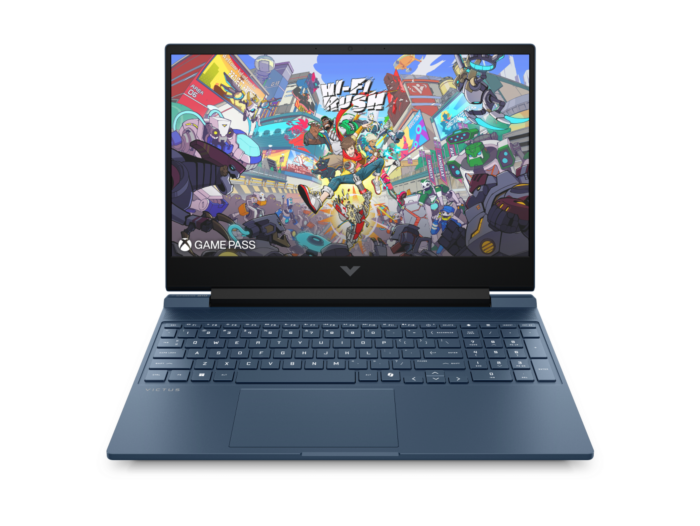
Display specifications are just as critical as raw power. A standard 60Hz screen can feel sluggish in fast-paced shooters or racing games. Look for panels that support higher refresh rates to ensure motion appears smooth and responsive. The HP Victus 15 at RM 4299 is a practical choice if your budget is tighter, featuring an Intel Core 5 205H processor and an NVIDIA GeForce RTX 3050 6GB GPU paired with a 15.6-inch FHD display running at 144Hz. This combination ensures that the visual output keeps up with the game engine's calculations.
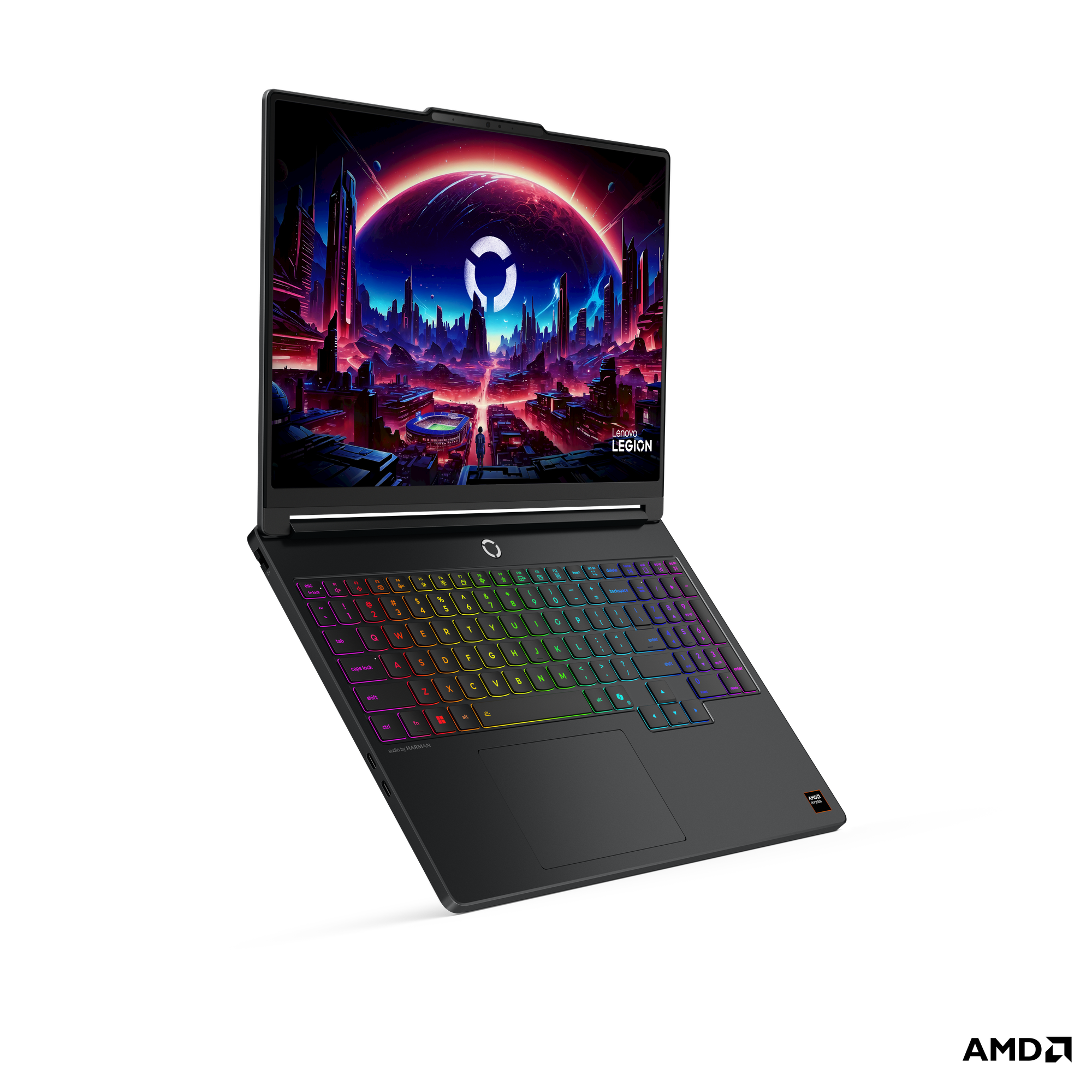
Cooling systems determine how long your laptop can sustain high performance without throttling. Sustained gaming sessions generate significant heat, and efficient thermal design helps maintain stable frame rates over time. While specific cooling specs vary by model, brands like Lenovo and MSI often invest in robust multi-fan setups. For those seeking top-tier performance with a powerful AMD Ryzen 7-250 processor and an NVIDIA RTX 5070 8GB GDDR7 GPU, the Lenovo Legion 5 15AHP11 Gaming at RM 7999 represents a high-end option designed to handle intensive workloads.
Finally, consider your budget relative to the components you need. If you are primarily playing esports titles or older games, the HP Victus models offer solid value. However, if you plan to play the latest AAA releases at high settings, investing in the MSI Cyborg or Lenovo Legion will provide a smoother experience and better longevity for your gaming setup.
Written by our AI, grounded in E CUBE's live catalogue. Prices and stock change — check the product page for the latest.